← All starting pointsSECURITY COMPANIES / CONTROL-ROOM OPERATORS

More sites.
One place to review.

Bring camera views and permitted detections from your client properties into a connected workflow for your operators.

Book a control-room demo ↗
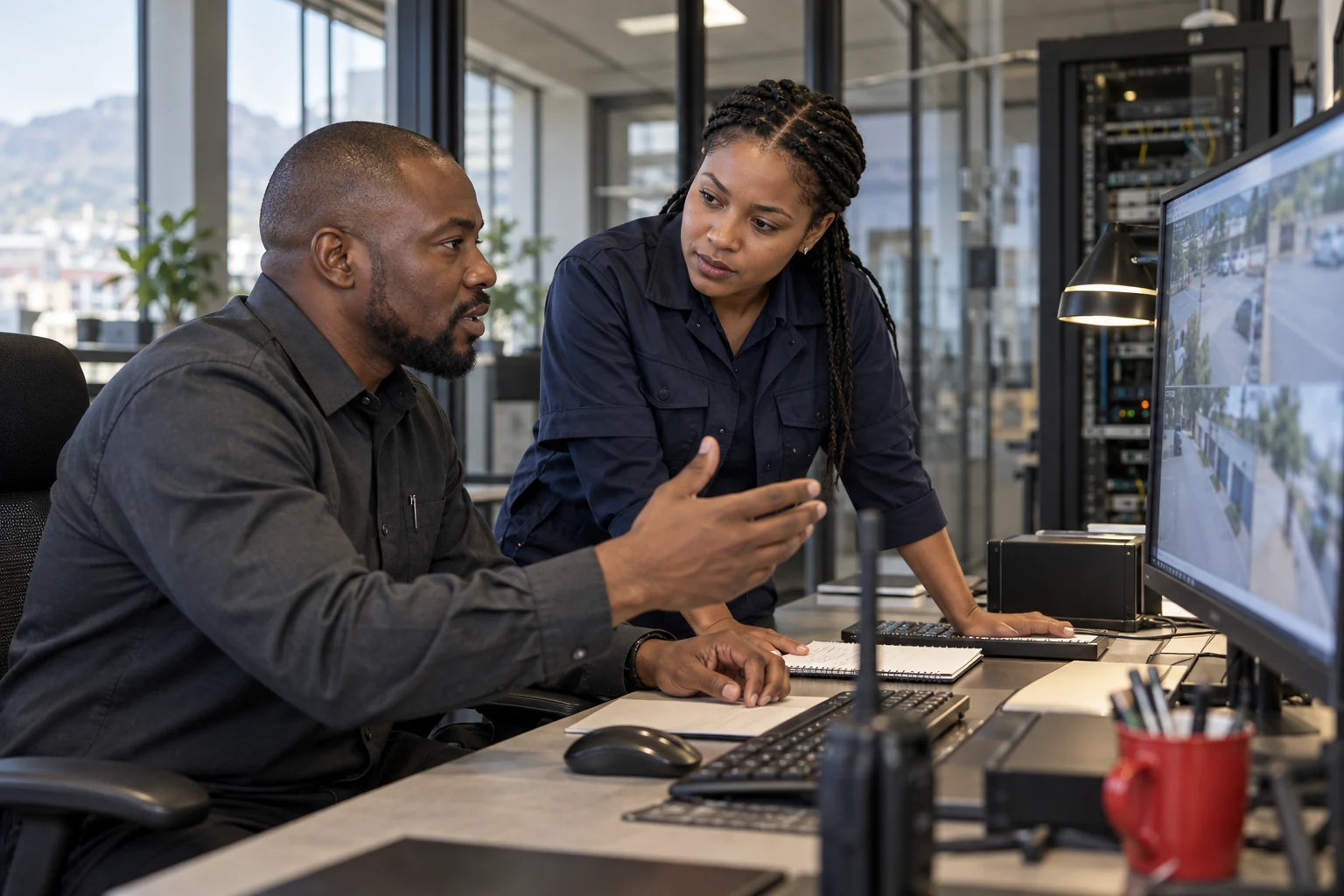
Illustrative security company / control room scenarioILLUSTRATIVE SCENARIO
BUILT AROUND YOUR RESPONSIBILITY

Give your operators
a clearer starting point.

An event needs more than an alert tone. Your team needs the property, the camera and the image so it can choose the right next step. AdvanceAi Connect brings that context together from agreed Desktop and Edge sources.

01

Know where to look

Keep the site and camera with each permitted event so your operator can identify the property and review its image.

02

Connect existing installations

Start with compatible cameras and local Desktop or Edge detection. Scope the shared organisation workflow around your client sites.

03

Put your team in the picture

Review the permitted feed across a control-room display, PC, tablet or phone, using your own response arrangements.

Illustrative road-facing camera at a participating home
YOUR NEIGHBOURHOOD CAMERA PACKAGE

More cameras. More sites.
A network built for your clients.

Build packages for single cameras or multi-camera premises, including sites with an eight-camera Edge AI unit. Combine VPN and point-to-point camera links with Desktop or Edge detection feeds over the internet, scoped for each client.
Explore flexible camera-network layouts ↗
Watch real detections ↗Need networking support? ↗

Your operators.
Your sites.
Let’s show you Connect.

Configuration and costs follow the camera load, sites, people and services you need.

Book a control-room demo ↗

Your information.

The enquiry form prepares a message on your device. Review and send the email or WhatsApp message to contact AdvanceAi. We receive the details you send and use them to respond. Use the Email AdvanceAi button to ask about your information.

Camera and event access is separate from this public website. Only authorised people should receive shared events. Each installation’s access and operating arrangements are scoped with its owner.

About the imagery

The scenario photographs are AI-generated marketing illustrations, not named customers or completed installations. The Edge image is a product visualisation. The Desktop screenshot and recordings are original AdvanceAi material supplied for this demonstration. Recorded examples do not promise the same result in every environment.

ORIGINAL ADVANCEAI RECORDING

Recorded detection

Recorded from a real AdvanceAi demonstration. Camera activity, detection boxes and alert delivery are shown as captured. This playback is a recording, not a live connection to the property.

See it with your team ↗
MASTER CONTROL ROOM / ILLUSTRATIVE VISION
Illustrative master control room with three nine-scene grids of distinct fixed-camera road, junction and business views

One possible control-room layout for a mixed camera network. Sites can use multiple cameras with local Edge AI or Desktop processing, VPN or point-to-point camera links, and internet detection feeds. The final layout is scoped to each installation.

ADVANCEAI DESKTOP / ACTUAL LIVE SCREEN
Actual AdvanceAi Desktop Live screen with four camera views at night

Real application screenshot supplied from a working installation. Watch the recordings to see person detection, Telegram alerts and event history.

WhatsApp AdvanceAi