Farmhouse and machinery stores
Watch house approaches, store doors, workshops, fuel areas and machinery yards. Agree the detection areas and alert recipients for each location.
You cannot be at the farmhouse, stores and pump house at once. Bring human and vehicle activity from the places that matter into a practical local detection and alert workflow.
Plan my farm camera setup ↗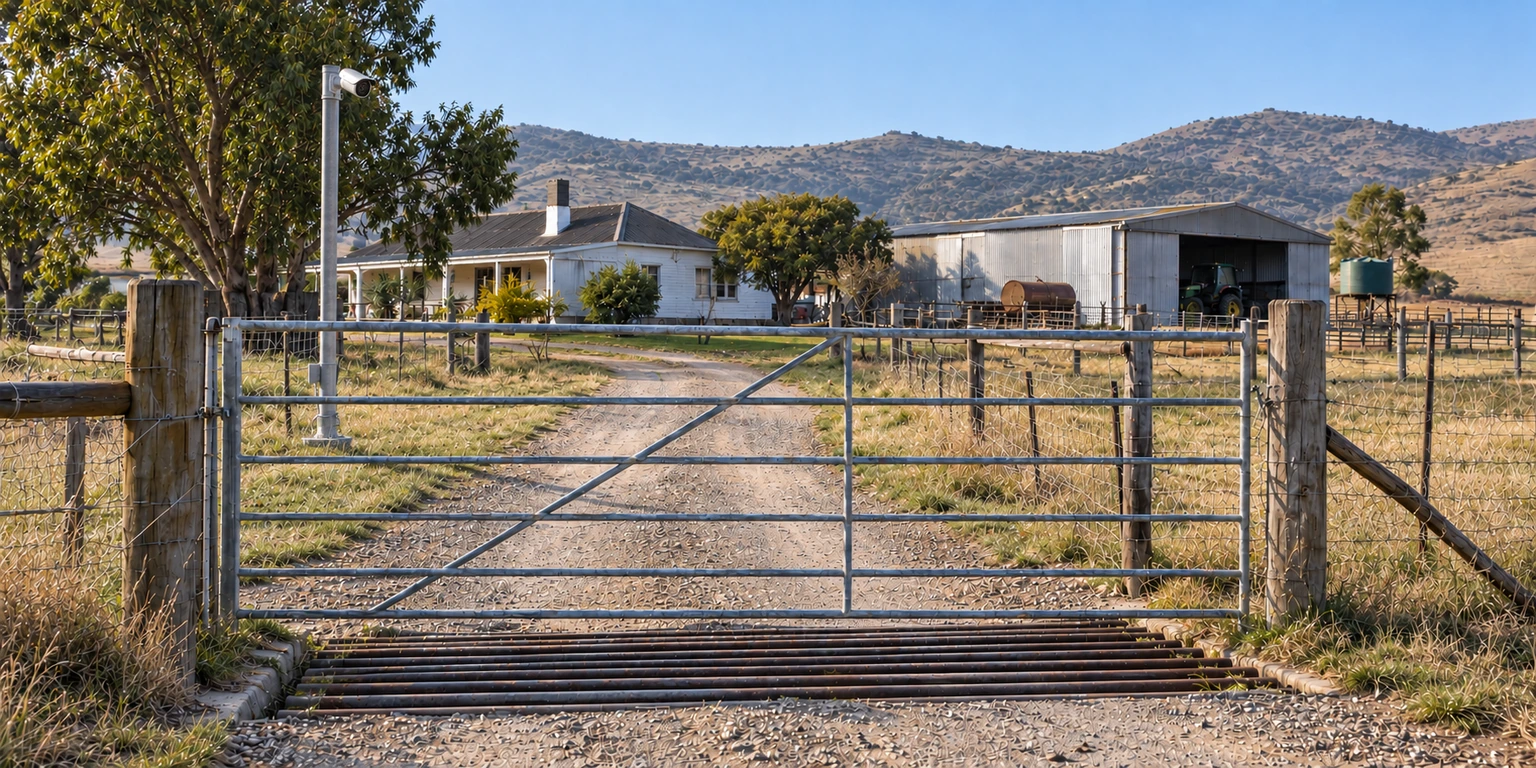 ILLUSTRATIVE SCENARIO
A store away from the house. A quiet service road. Equipment at the pump house. Choose the areas where unexpected human or vehicle presence deserves attention, then build the cameras, local AI and connectivity around them.
Watch house approaches, store doors, workshops, fuel areas and machinery yards. Agree the detection areas and alert recipients for each location.
Bring suitable camera views from water infrastructure and outbuildings into the plan. Power, lighting and the link between buildings are part of the assessment.
Monitor generic vehicle presence or people on selected access roads. Share agreed detection events with your farm team or an authorised rural group through the chosen workflow.
Build camera coverage around access roads, pump houses and equipment areas. Different camera angles can serve different parts of the same site.

Illustrative rural camera layout. Camera positions and connectivity are planned for the actual site.
Eight cameras at one site can sit alongside a separate building or another farm. The camera count and connection method can differ from place to place.
Use a suitable Windows PC. Start with a camera count the selected hardware and build can handle.
Choose local AI hardware sized for the site. An eight-camera farm setup is one possible configuration.
Use configured Telegram alerts and discuss optional AdvanceAi Connect access for your authorised people.
Ask about a 30-day Desktop trial, or request an Edge and connectivity assessment. We explain the equipment and service costs before you proceed.
Often you can reuse compatible cameras or recorder streams. We check the stream, view, image quality and local hardware before recommending equipment.
A powered local detector can keep processing reachable local camera streams. Remote alerts and remote viewing depend on connectivity. Backup power and network resilience are assessed for the site.
You agree who receives configured alerts and which events may be shared. A security company, household member or farm group does not automatically receive every camera view.
The focus is human detection and generic vehicle presence. This offering does not provide facial identification, number-plate recognition or plate searching.
Configuration and costs follow the camera load, sites, people and services you need.
Plan my farm camera setup ↗