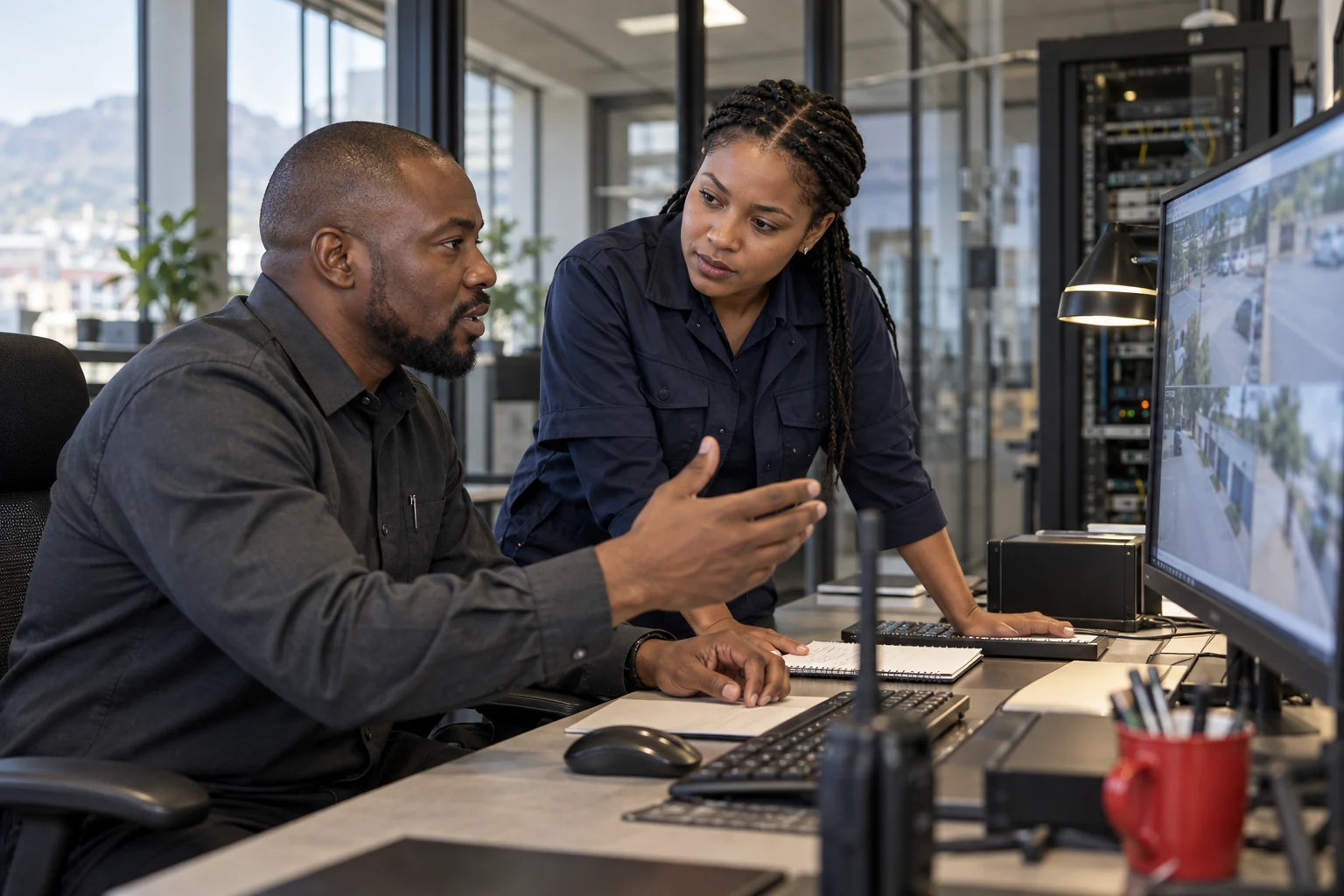
Illustrative camera-intelligence operator in a South African control room
ADVANCEAI / CONNECTED EARLY WARNINGBUILT AROUND YOUR TEAM
YOUR CAMERAS. YOUR PEOPLE. CONNECTED.

Your sites.
One clear view.

Your cameras. Earlier warning. Bring your sites and detection events together for the people who need to see them.

Local AI or a control-room deployment. Built around your network.

SECURITY COMPANIES / REGISTERED WATCHES / BUSINESSES / HOMES & FARMSFind your starting point ↓
CAMERA NETWORKS / BUILT AROUND YOUR SITES

Your cameras. Your sites.
One connected control room.

One site or many. Choose the cameras, local AI and connection that fit each property.

Multi-cameraCamera counts sized per site · 8-camera Edge exampleFlexible linksVPN · point-to-point · internet feedsOne control roomDifferent sites. A coordinated view.
EXAMPLE MIXED NETWORKSELECT A SITE ↓
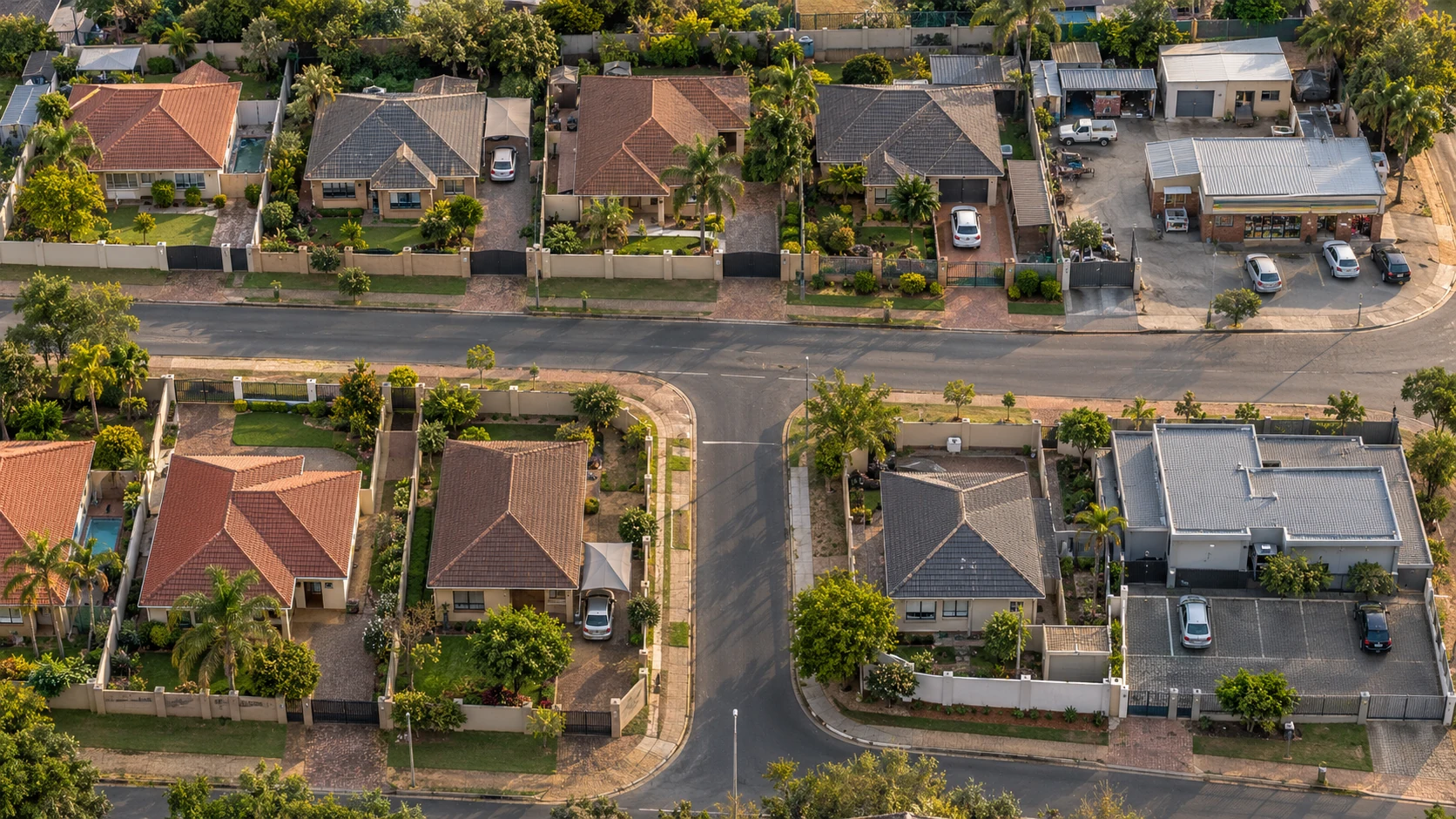
Illustrative South African neighbourhood with homes and business sites using a mix of camera layouts
Site linksTO THE CONTROL ROOM →
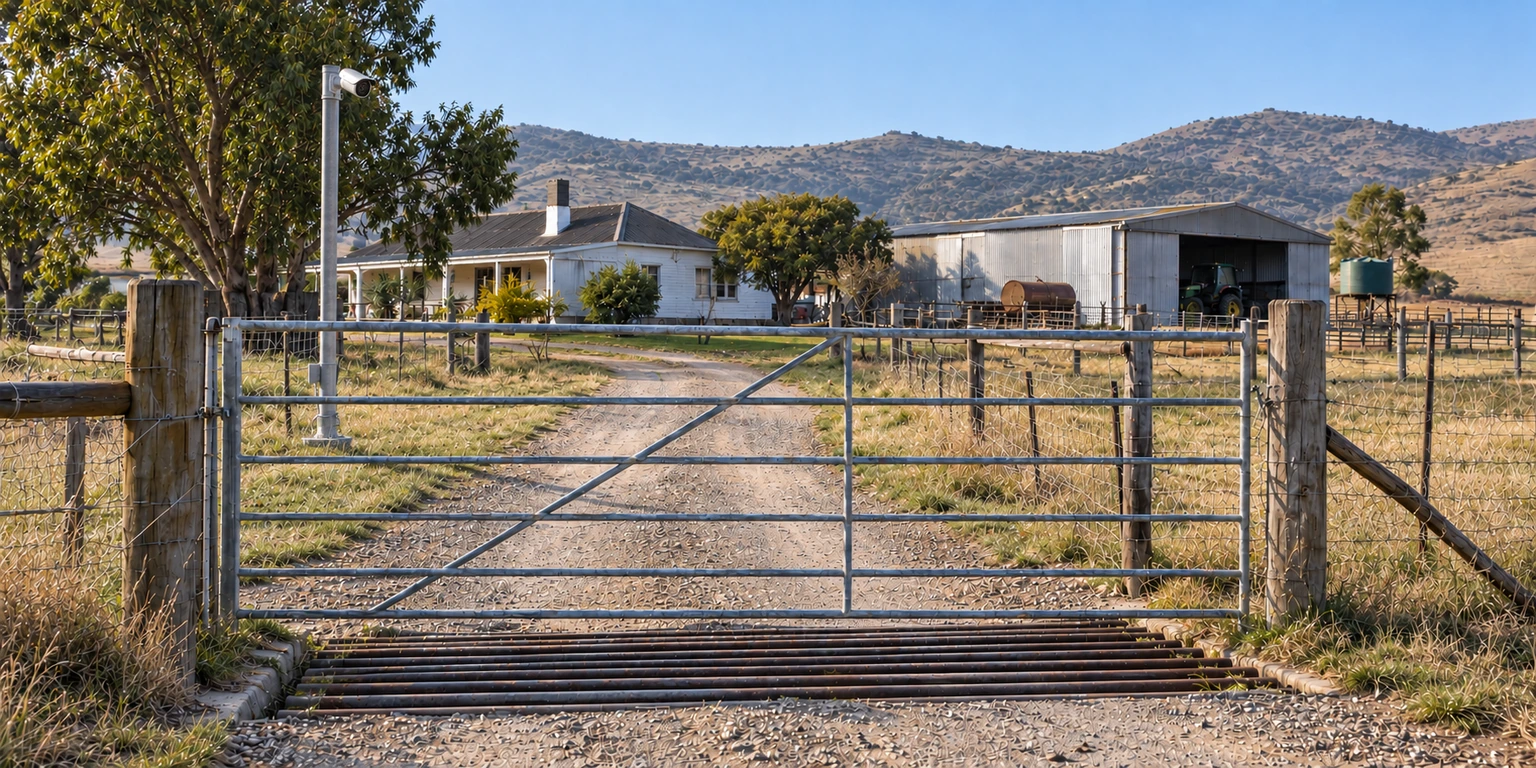
Illustrative home camera installation
EXAMPLE RESIDENCEResidence 04Edge AI · VPN

Eight cameras with an on-site Edge AI unit. Selected camera views use VPN; detection events can feed AdvanceAi Connect.

8CAMERAS AT
THIS SITE
THE MASTER CONTROL ROOMADVANCEAI

Different sites.
One coordinated view.

Connected camera views and detection events. One coordinated workspace.

ONE POSSIBLE SCREEN LAYOUT3 large screens · 9 views per screen · 3 × 3 full-screen grids
VPN Point-to-point Internet feedIllustrative sites and connections. Select a site to explore its setup.
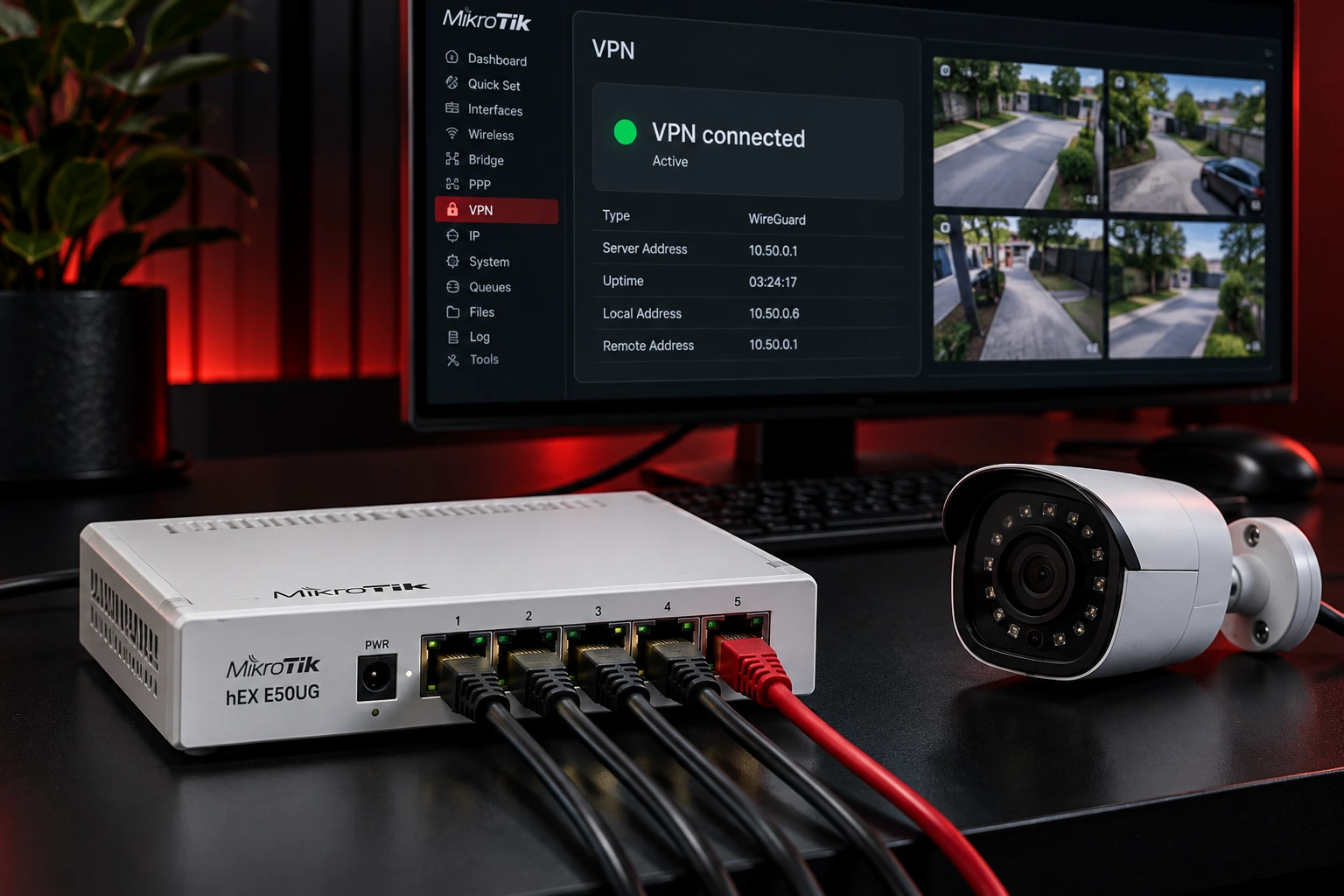
Illustrative MikroTik hEX router and camera with a VPN connection display
01 / DIRECT CAMERA LINKS

Camera views. Connected.

Cameras→MikroTik hEX→ VPN →Control room

Bring selected camera views in over VPN or point-to-point links.

Plan my camera links ↗
AdvanceAi Edge bot product visualisation with an app event feed and camera display
02 / EDGE AI ON SITE

Your bot. Your alerts.

Cameras→Edge AI→AdvanceAi app

Local detection on dedicated hardware. Eight-camera example; sized for your site.

Show me Edge AI ↗
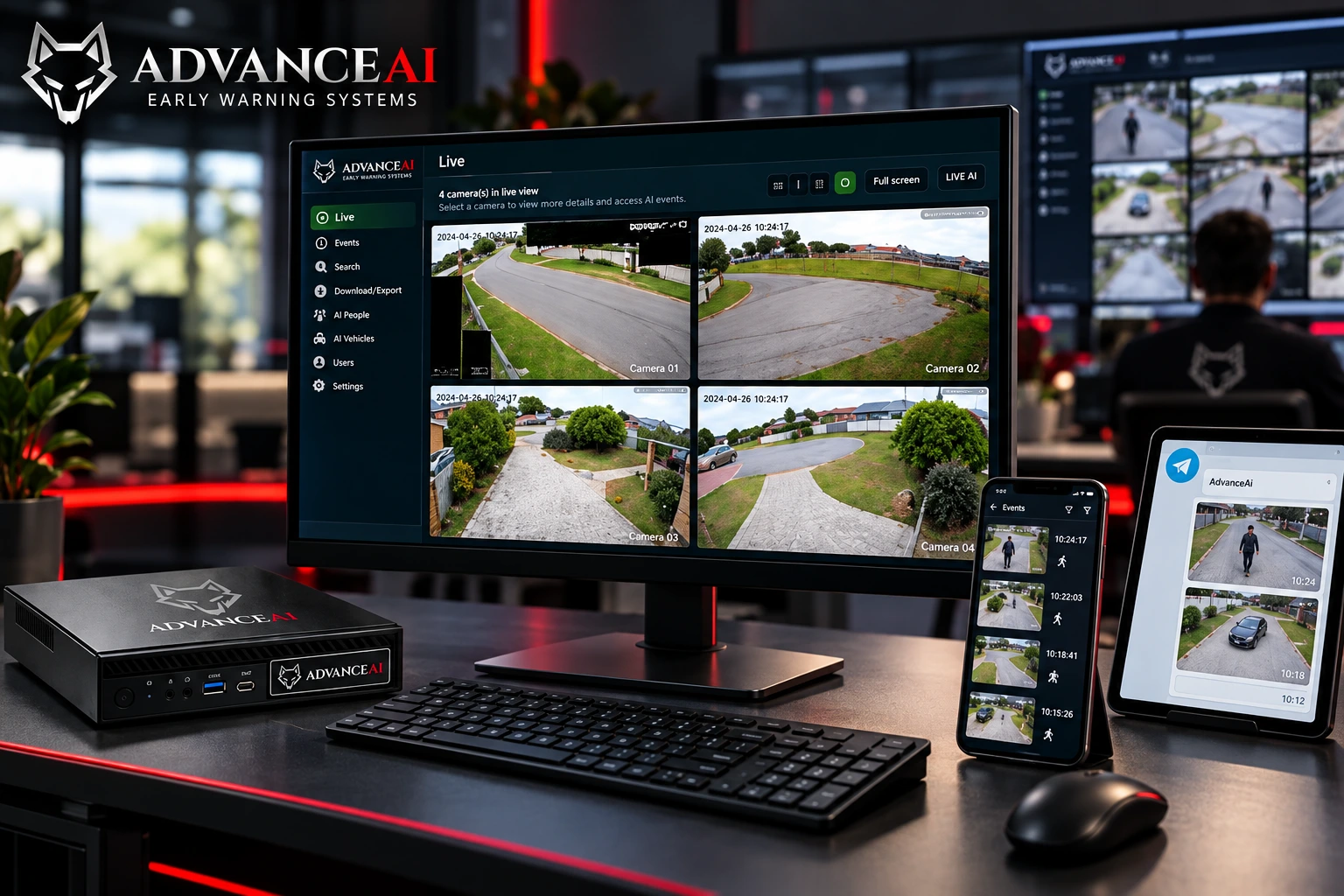
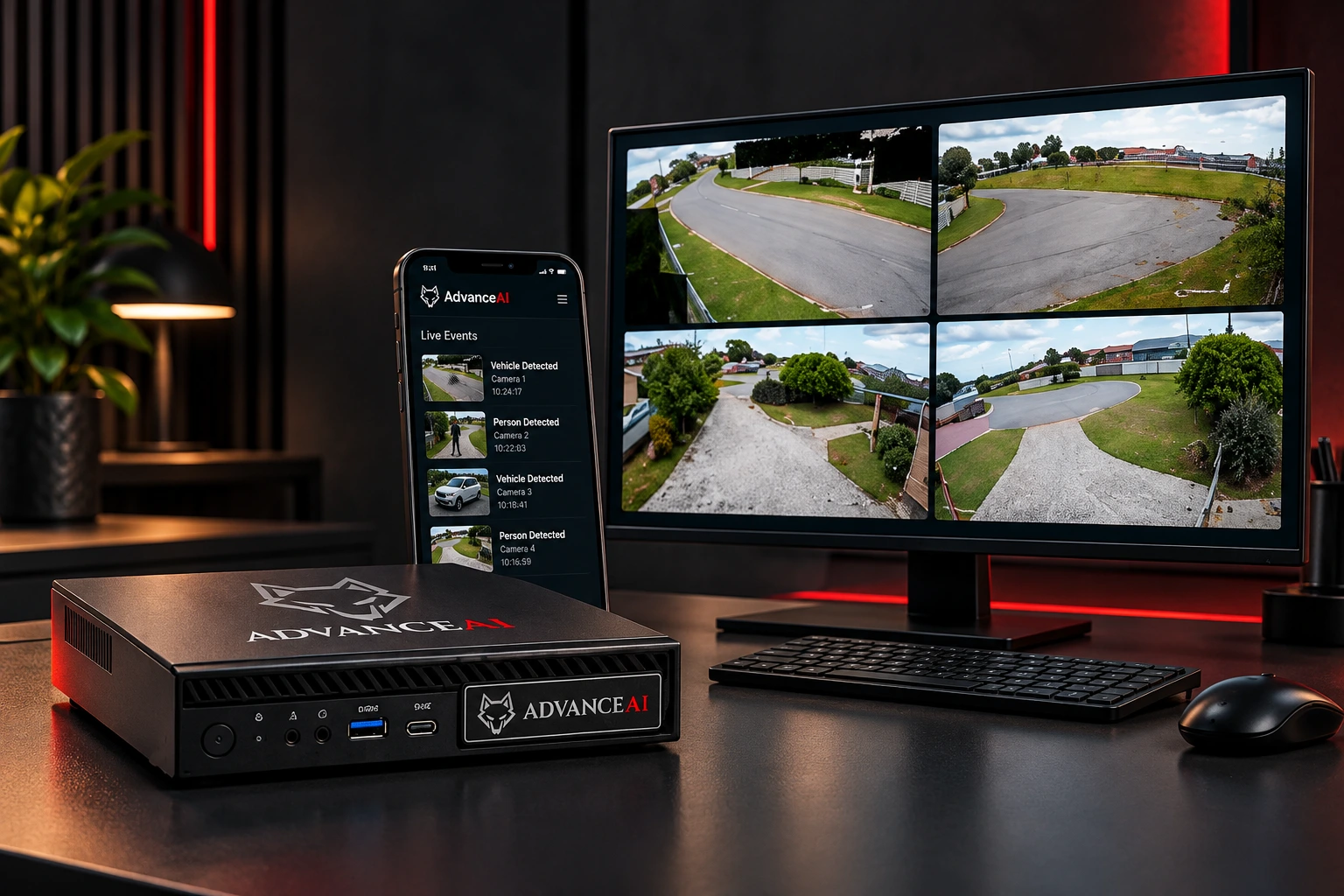
AdvanceAi four-camera Desktop product visualisation with mobile, Telegram and control-room displays
03 / DESKTOP OVER INTERNET

Four views. More ways to see.

4-channel Desktop→ INTERNET →App · Telegram
Connect control room

Your PC detects locally. Send configured events to your chosen screens.

Try Desktop AI ↗

Illustrative hardware and app screens. Connections and camera capacity are configured for each installation.

ADVANCEAI CONNECT

One feed.
Your team’s screens.

Review permitted detections across your sites. Keep the camera, place and event together.

LOCAL INTELLIGENCE. CONNECTED CHOICES.

The AI starts
where your cameras are.

Choose your starting point. We’ll help with the setup.

Current AdvanceAi Desktop Live screen showing four real camera views
REAL DESKTOP SCREEN / FOUR-CAMERA LIVE VIEW
YOUR CAMERAS. YOUR WINDOWS PC.

A practical first step
into AI early warning.

Turn a suitable Windows PC into a local human and vehicle detector. Start with four cameras; ask about larger configurations.

  • Local detection on the computer at your site
  • Event images and configured Telegram alerts
  • Connect permitted events to your team’s feed
Ask about a Desktop trial ↗We check camera streams, PC suitability and the selected build before setup.
BUILT AROUND YOUR INSTALLATION

Camera compatibility, detection load, connectivity and response arrangements are checked before we quote. Looking at a custom gate or access project? Talk to us about the scope ↗

LET THE RECORDINGS SPEAK

Real detections.
Open the original.

Watch the same real activity on Desktop and in Telegram. Then explore the event history.

Watch on its own page ↗
REAL SOFTWARE / REAL CAMERA ACTIVITYRecorded product demonstration · Desktop and Telegram views of the same activity.
BEFORE WE SHOW YOU AROUND

Let’s make
the fit clear.

A useful demonstration starts with your cameras, your sites and the people who review the events.

Can our security company bring several client sites into Connect?

That is the starting point for the Connect conversation: permitted detections from multiple Desktop installations and Edge units in an authorised organisation workflow. We agree site access, source capacity and your operators’ needs during scoping.

Can a registered neighbourhood watch review selected property alerts?

We can scope a shared workflow around selected properties and authorised recipients. Camera owners and the organisation agree what may be shared and who needs access.

Can we use the cameras we already have?

Often, yes. We check the camera or recorder, available streams, image quality, network and local hardware before recommending what can be reused.

How many cameras can Desktop and Edge support?

Camera capacity is selected for each installation. Desktop can start with four channels, with larger configurations such as nine-channel layouts assessed for suitable PCs. Edge systems are sized for the camera load, including eight-camera examples. Connect can bring agreed detection feeds from multiple installations together.

What do we pay for, and what happens when connectivity drops?

Request a quote for your scope. Desktop, outright Edge hardware and optional connected services are explained separately. A powered local detector can continue processing local cameras; remote delivery and viewing depend on connectivity. We confirm the proposed setup’s behaviour during assessment.

Does AdvanceAi provide our response team?

AdvanceAi supplies technology for detection and shared review. Your authorised people decide and carry out the response; a staffed monitoring service is a separate arrangement.

ADVANCEAI TECHNICAL SUPPORT

The cameras are only
part of the network.

Certified network and MikroTik technicians are available to help connect your sites, resolve networking issues and support your next rollout. Book remote assistance or scope on-site support for a larger installation.

Remote Assist

Once-off troubleshooting, MikroTik configuration and VPN setup, quoted around the work you need.

Support Plans

Add ongoing technical support to your deployment, with an agreed scope, support hours and escalation process.

Rollout Support

Plan network design, configuration and commissioning across multiple sites, with scheduled on-site callouts by arrangement.

Explore technical support ↗

Paid services · Pricing on request · Remote and on-site options

LET’S SHOW YOU WHAT FITS

Your sites.
Your team.
Let’s connect.

See it on your cameras. Ask us for a demo or setup advice.

Based in Jeffreys Bay, Eastern Cape, South Africa. Supporting homes, farms, businesses and security teams.

START THE CONVERSATION

Show us your starting point.

Choose email or WhatsApp, then review and send your message in that app.

Your information.

The enquiry form prepares a message on your device. Review and send the email or WhatsApp message to contact AdvanceAi. We receive the details you send and use them to respond. Use the Email AdvanceAi button to ask about your information.

Camera and event access is separate from this public website. Only authorised people should receive shared events. Each installation’s access and operating arrangements are scoped with its owner.

About the imagery

The scenario photographs are AI-generated marketing illustrations, not named customers or completed installations. The Edge image is a product visualisation. The Desktop screenshot and recordings are original AdvanceAi material supplied for this demonstration. Recorded examples do not promise the same result in every environment.

ORIGINAL ADVANCEAI RECORDING

Recorded detection

Recorded from a real AdvanceAi demonstration. Camera activity, detection boxes and alert delivery are shown as captured. This playback is a recording, not a live connection to the property.

See it with your team ↗
MASTER CONTROL ROOM / ILLUSTRATIVE VISION
Illustrative master control room with three nine-scene grids of distinct fixed-camera road, junction and business views

One possible control-room layout for a mixed camera network. Sites can use multiple cameras with local Edge AI or Desktop processing, VPN or point-to-point camera links, and internet detection feeds. The final layout is scoped to each installation.

ADVANCEAI DESKTOP / ACTUAL LIVE SCREEN
Actual AdvanceAi Desktop Live screen with four camera views at night

Real application screenshot supplied from a working installation. Watch the recordings to see person detection, Telegram alerts and event history.

WhatsApp AdvanceAi